How can I register with easyname?
Would you like to become an easyname customer in order to purchase and manage domains, web hosting, or any of our other products? In this article, we will show you how it works.
Navigate to the desired product and click on [Order] – this will open the login form, which also gives you the option to [Continue as a new customer]. Click on this option to start the registration process.
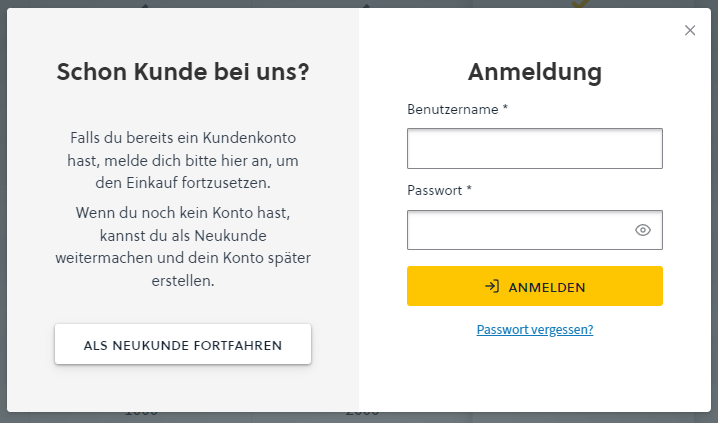
The registration form will now guide you through the process – you just need to fill it in with your details. Companies can also register with us; simply switch from [Private individual] to [Company] during the registration process.
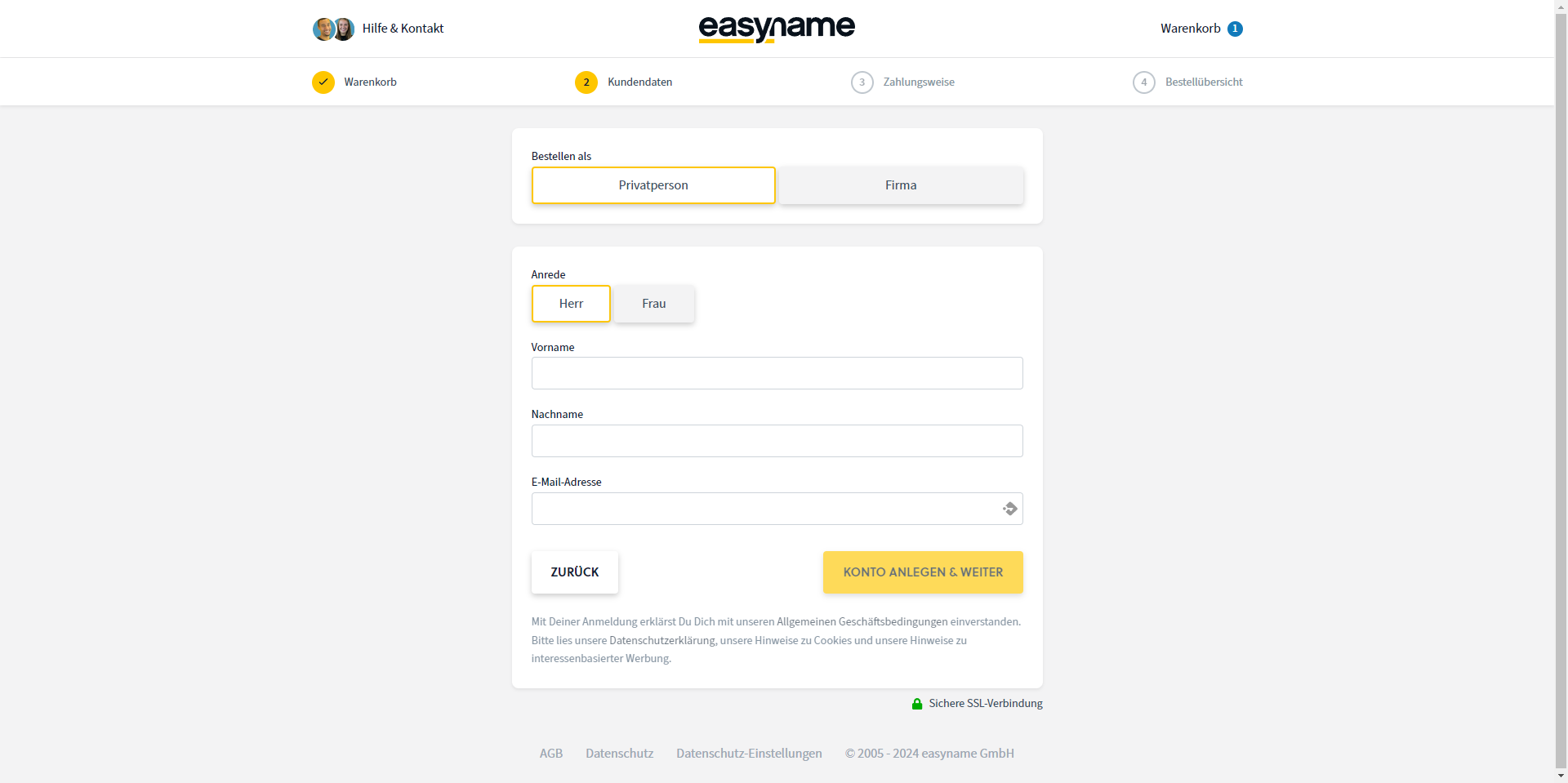
After successful registration, you will receive an email confirmation from us along with your customer number. This customer number is also your username, which you can use to log in.
If you provide a company registration number, it must first be confirmed by our contract service. Please keep this in mind if you want to order as a company right away.
As soon as you have the confirmation email, you can immediately continue with registering a domain, web hosting, or similar from your new easyname account.
This article explains how you can find your way around your new easyname account. -->Where can I find... in CloudPit?
How to register one of our products is explained in the following articles.