Where can I find... in CloudPit?
When you log in to CloudPit for the first time, it starts in the web hosting panel, from which you can manage your domains and web hosting contracts. Where to find a desired function is described throughout this article.
The article is continuously expanded as we expand our offerings.
Table of Contents
1. Where can I find my contract and billing data?
1.1 Where can I view my saved payment methods?
1.2 How can I add additional users?
1.3 What is the telephone PIN and what is it used for?
2. Where can I manage my domains or web hosting?
1. Where can I find my contract and billing data?
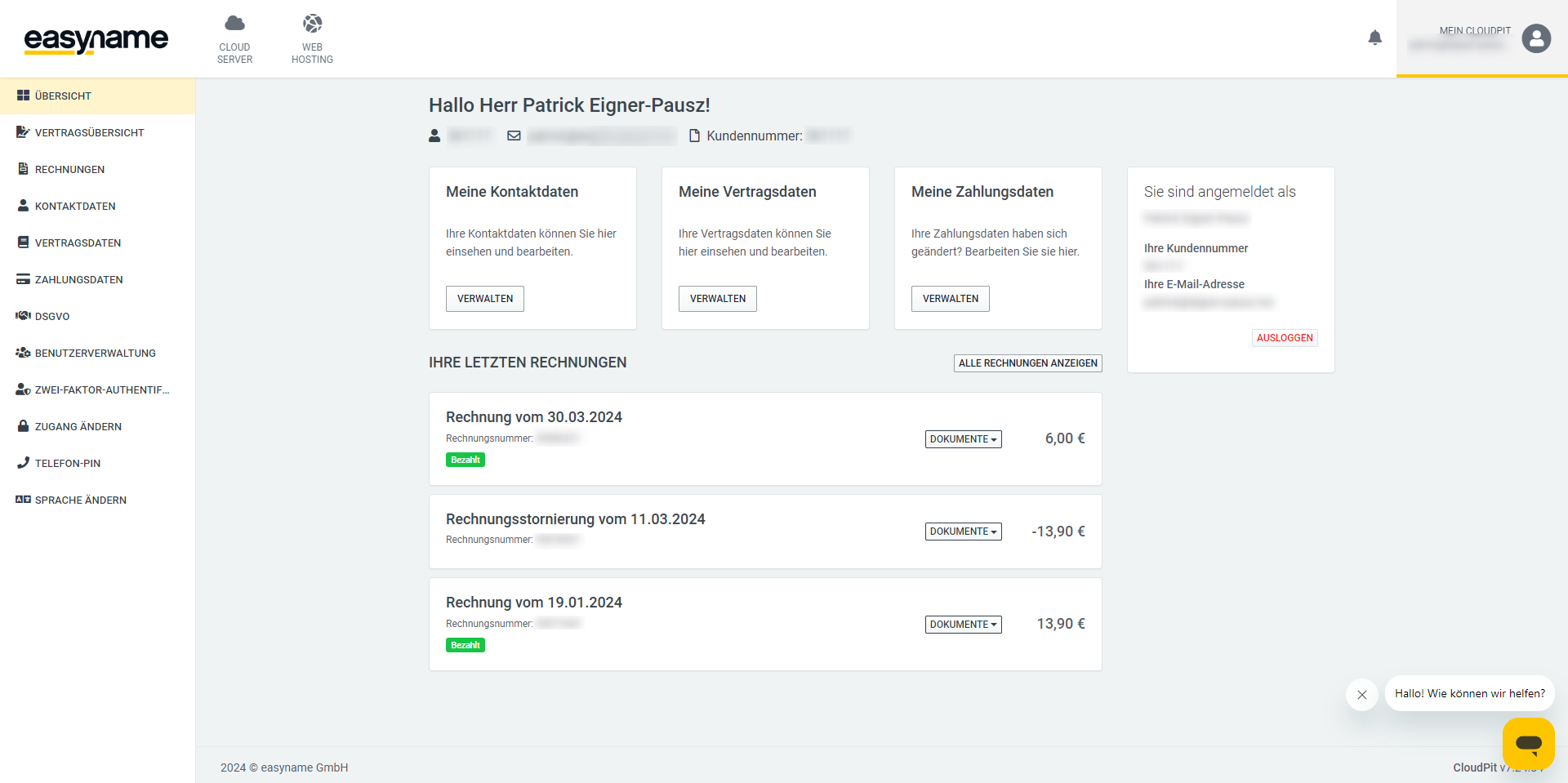
You can find your contract and billing data in the [My CloudPit] section (1). Here you can view and manage your contact, contract, and billing data, download or pay your invoices—as long as you have not stored a payment method for automatic debit.
1.1 Where can I view my saved payment methods?
You can view or change your currently saved payment method under the [Payment Data] menu item. If no payment method is stored, you can pay each invoice individually by bank transfer by default. Please note that bank transfers do not occur in real time. More on this: --> How long does a bank transfer take?
1.2 How can I add additional users?
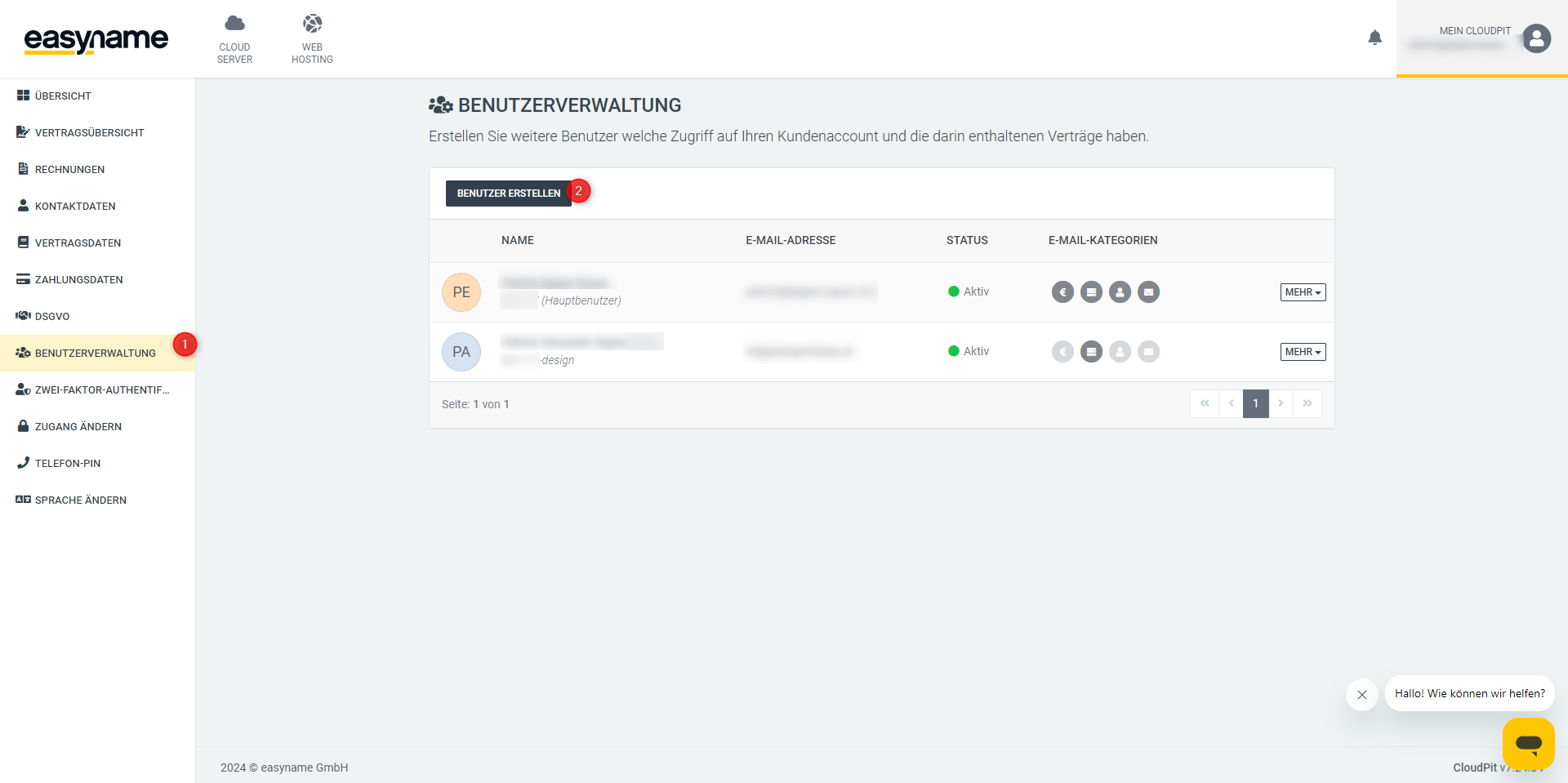
Also in this menu, you can add sub-users via the [User Management] who can log in to your account with their own password and access areas you specify. This enables a so-called multi-client mode—for example, you can give your accounting department or a web designer their own access without having to share your account credentials. You can also specify which functions the additional user can access and whether they are allowed to receive support by phone or email.
If you want to add an additional user, simply click on the [Manage Users] button and then follow the form.
Here you can also manage or delete existing users.
1.3 What is the telephone PIN and what is it used for?
The telephone PIN is a security feature that allows you to validate your identity or access to your account with support. You can define this PIN yourself under the [Telephone PIN] menu item. After entering, do not forget to save the PIN.
If you then need telephone or written support, we will ask you for this PIN—so be sure to set it.
2. Where can I manage my domains or web hosting?
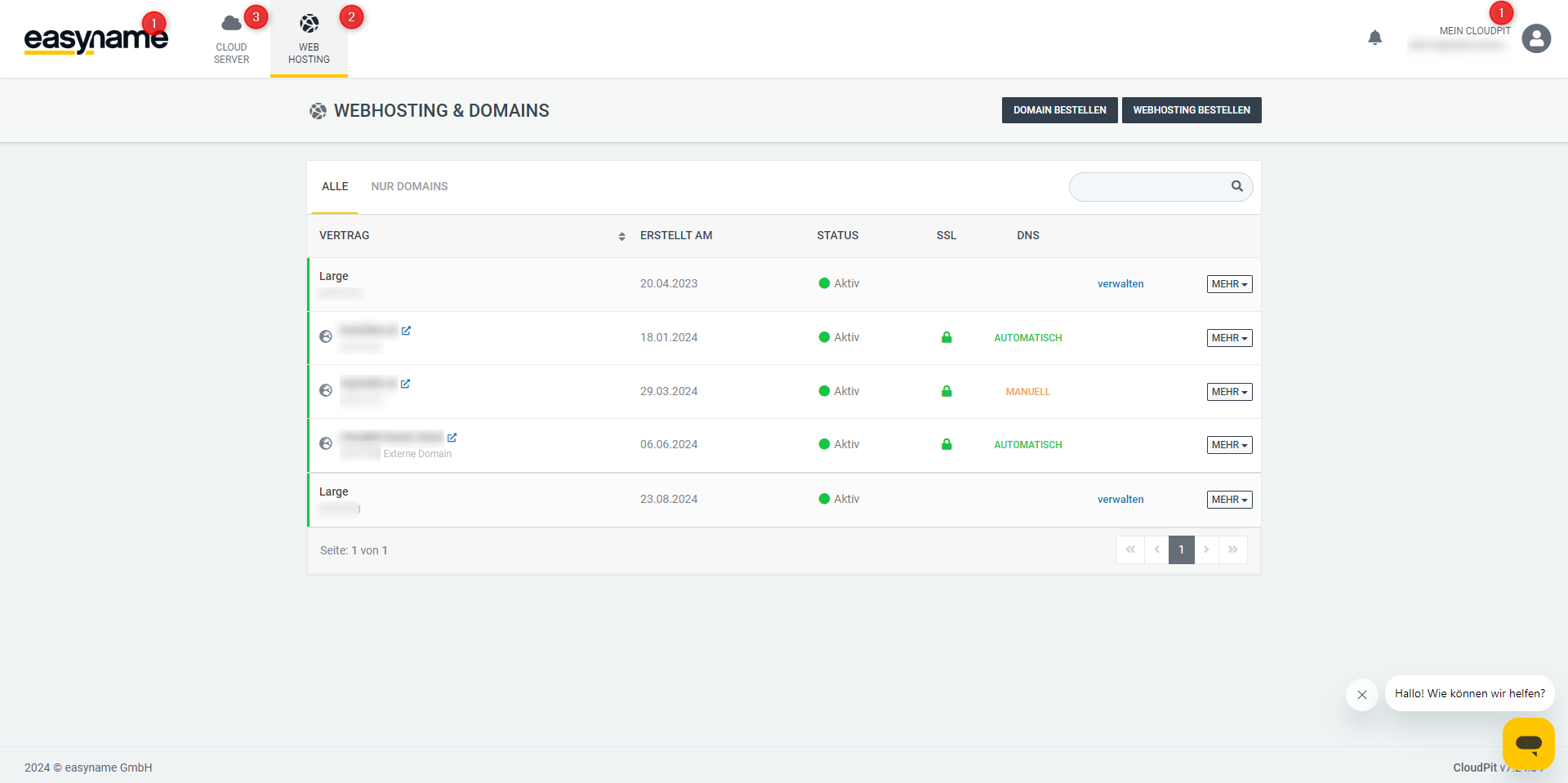
As mentioned at the beginning, you can manage your domains or web hosting on the CloudPit home page. You can access this menu by clicking on our logo in the upper left corner of the screen (1) or by clicking on the [Webhosting] button (2).
You can read more about domain management in the following FAQ article: --> How can I manage my domain?

To access the management interface of your web hosting, simply click on one of the following links:
- the product name of the web hosting (1)
- the [manage] button in the same row (2)
- or the [Open Management] submenu under the [MORE] button in the same row. (3-4)