How can I order a domain?
A domain is the address of your website on the internet, for example mydomain.com. You can order domains directly through the easyname website or through your customer account.
Table of Contents
Order a domain as a new customer
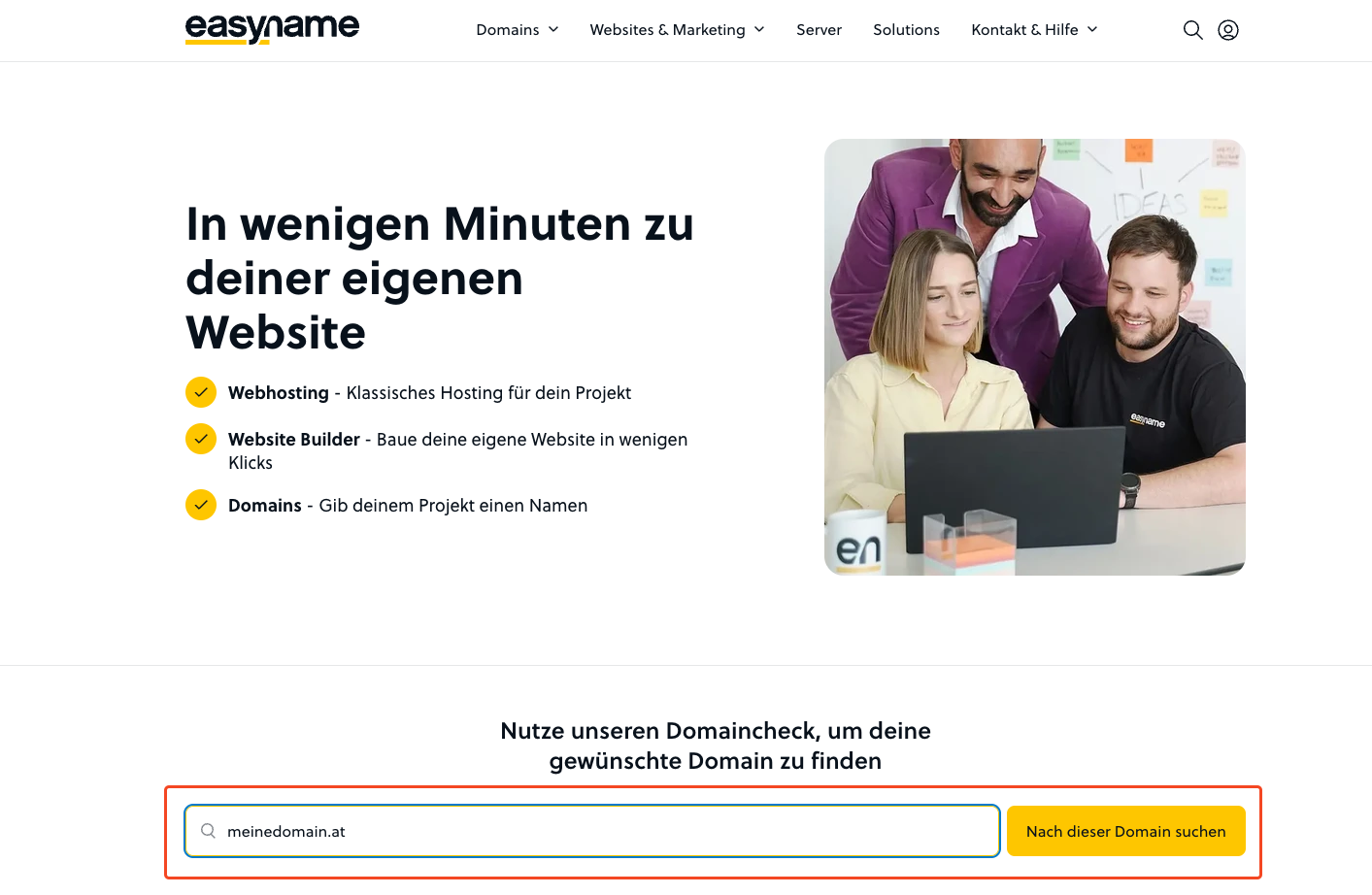
Open the easyname homepage. At the top, you will find the domain search.
Enter the desired domain, for example mydomain.com, and click on Search for this domain.
If the domain is available, you can add it to your cart and complete the order.
We explain the registration process here: How can I register at easyname?
Order a domain in CloudPit
Log in to CloudPit.
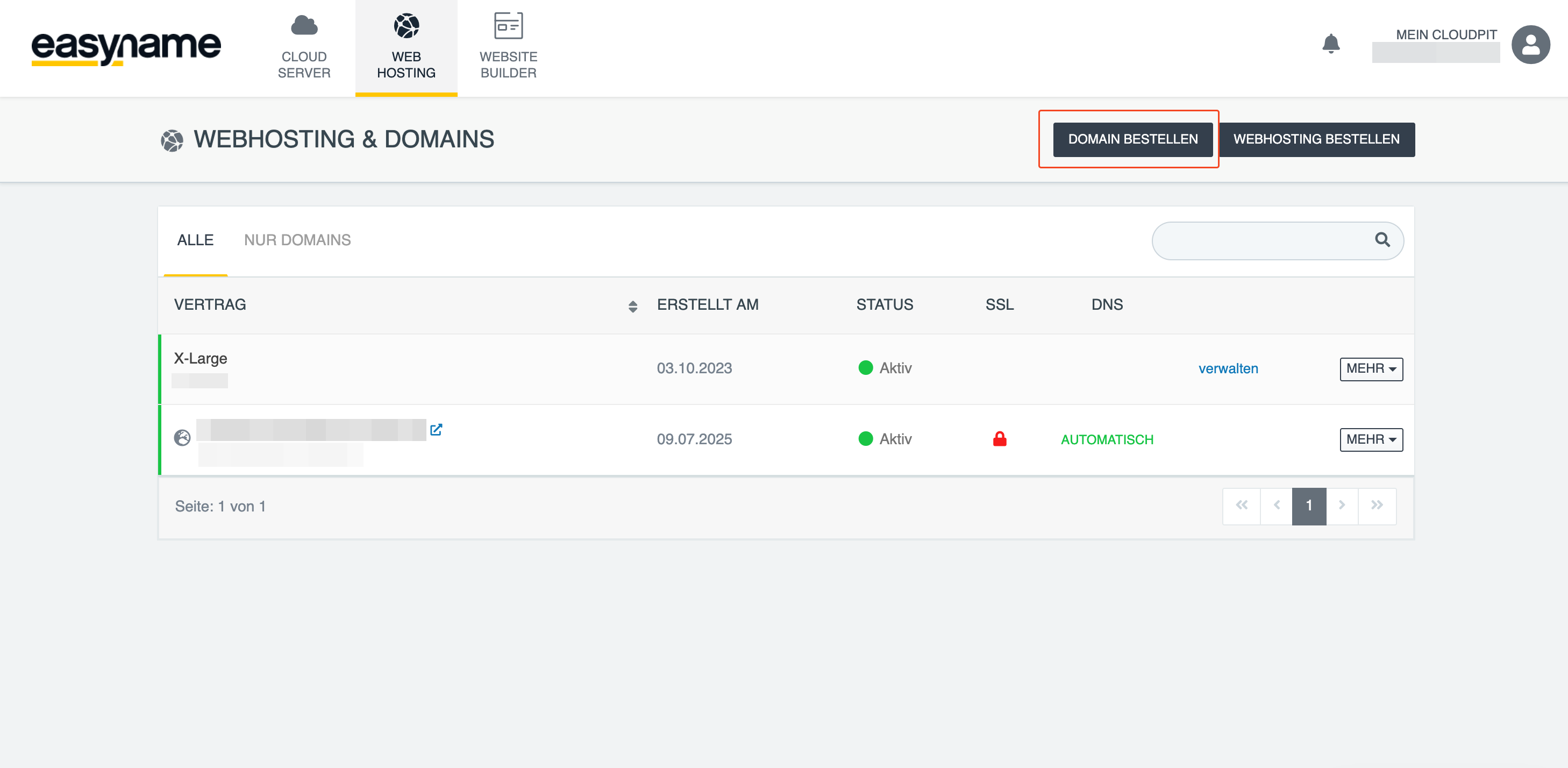
In the overview, you will see your products.
Click on ORDER DOMAIN.
Enter the desired domain and follow the further steps in the ordering process.
After a successful order, you will receive an order confirmation with your order number.
The domain will then appear in your account under Domains. There you can manage DNS zones, redirects, and nameservers.
Order a domain in the Control Panel
Log in to the Control Panel.
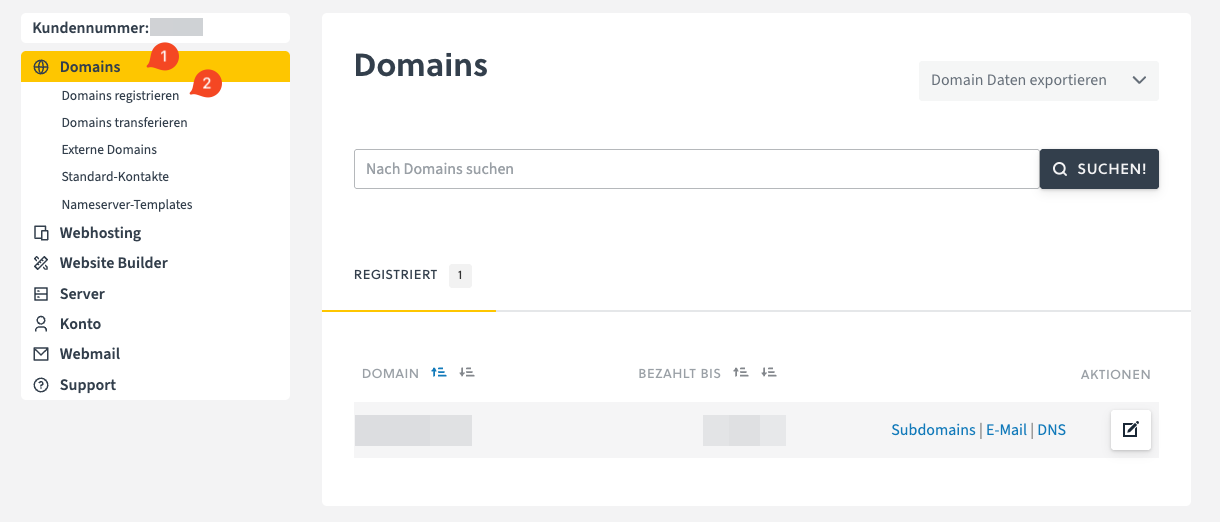
Open the Domains section on the left (1) and click on Register domains (2).
Enter the desired domain and follow the further steps in the ordering process.
After a successful order, the domain will be displayed in your account.