How can I transfer my domain to easyname?
If you want to transfer a domain to easyname, you will need the Authcode from your current domain provider.
Once you have the Authcode, you can start the domain transfer via the easyname website, in CloudPit, or in the Controlpanel.
Table of Contents
- Transfer domain via the easyname website
- Transfer domain in CloudPit
- Transfer domain in the Controlpanel
- Which domain extensions can be transferred?
Transfer domain via the easyname website
If you do not yet have a customer account, you can start the transfer via the easyname website.
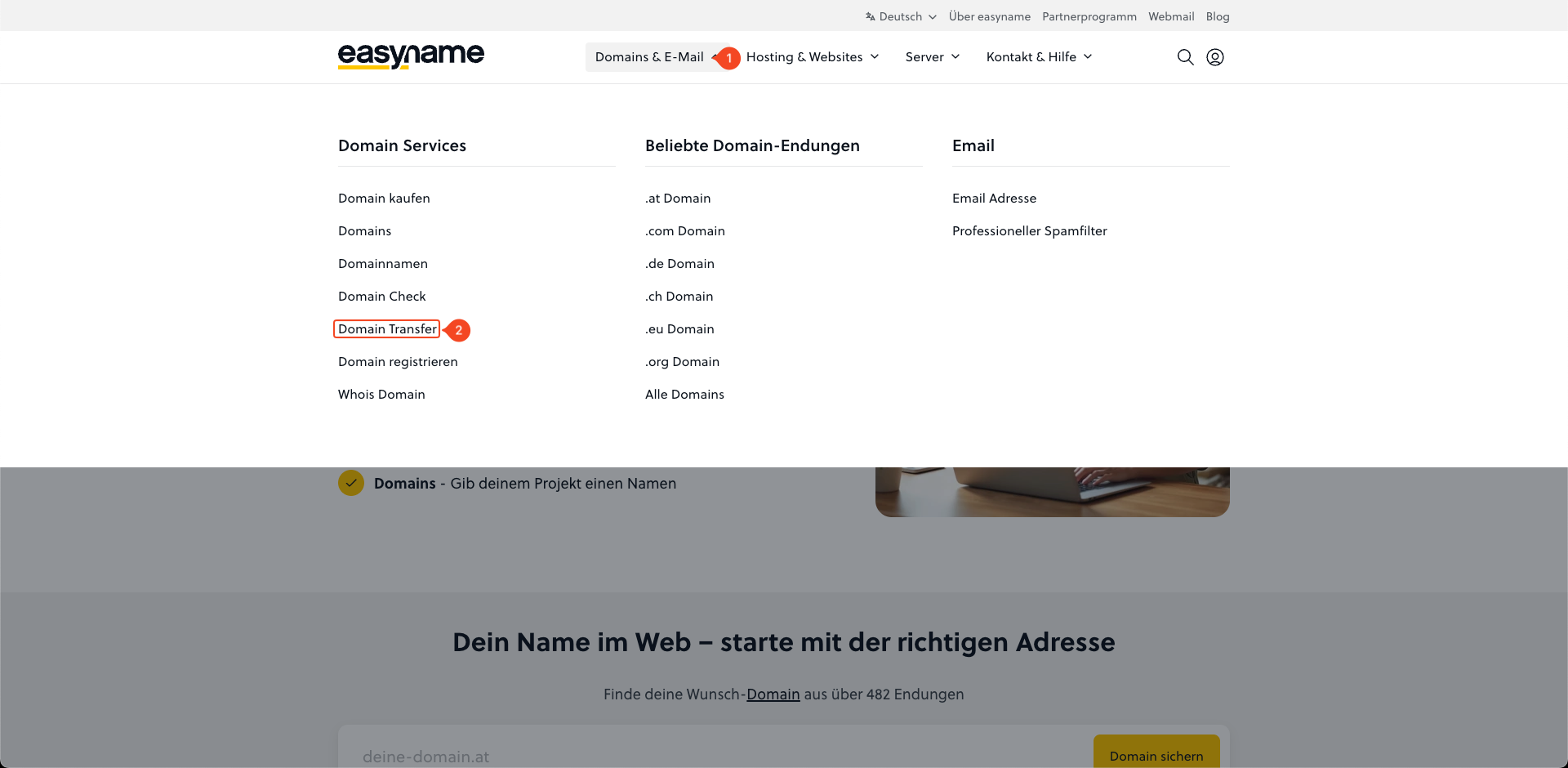
Open Domains & E-Mail (1) and then Domain Transfer (2).
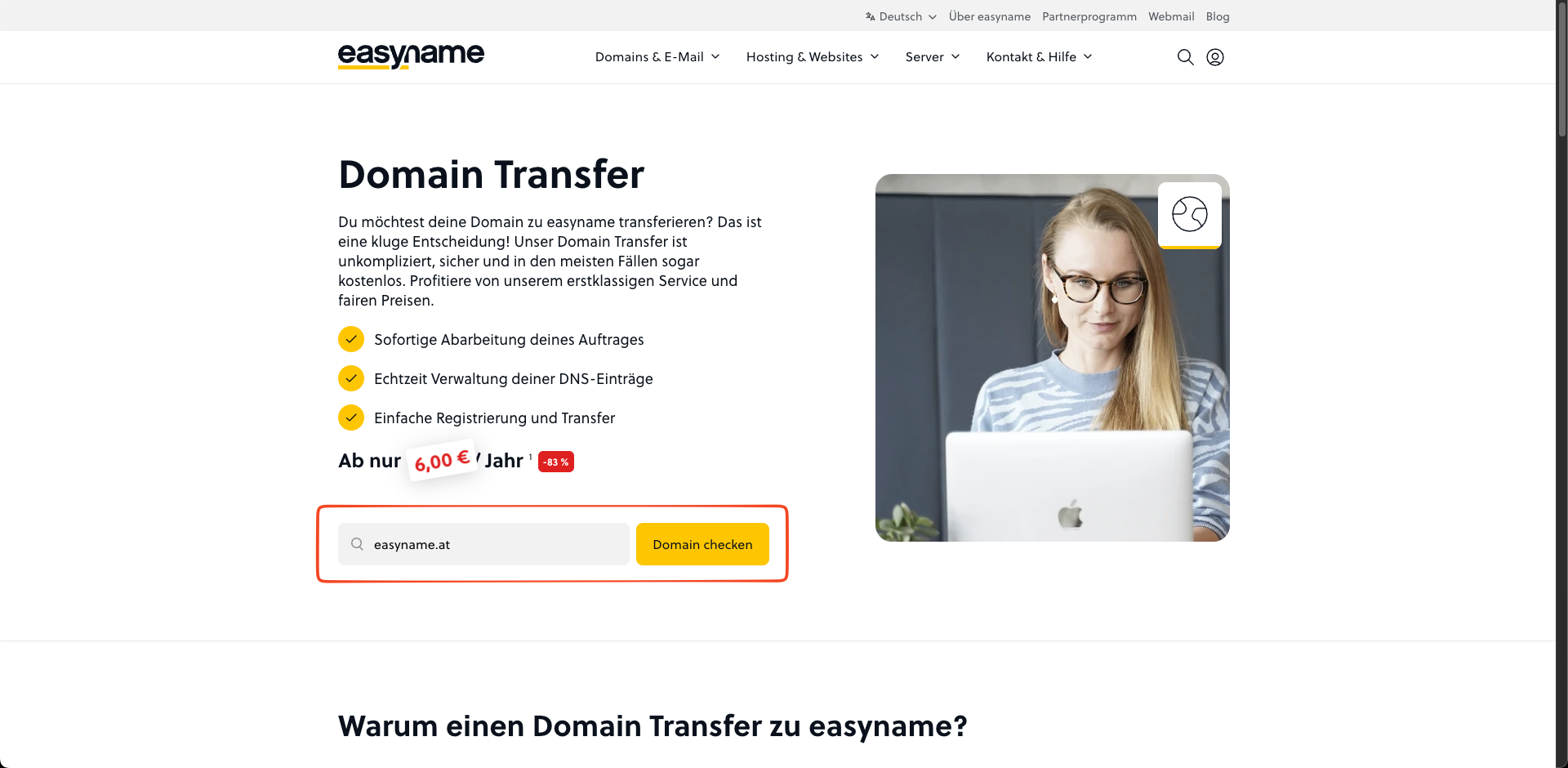
Enter the domain name in the search field and click Check domain.
In the next step, you can log in or continue as a new customer.
If the domain is already registered, the order system will offer the transfer to easyname.
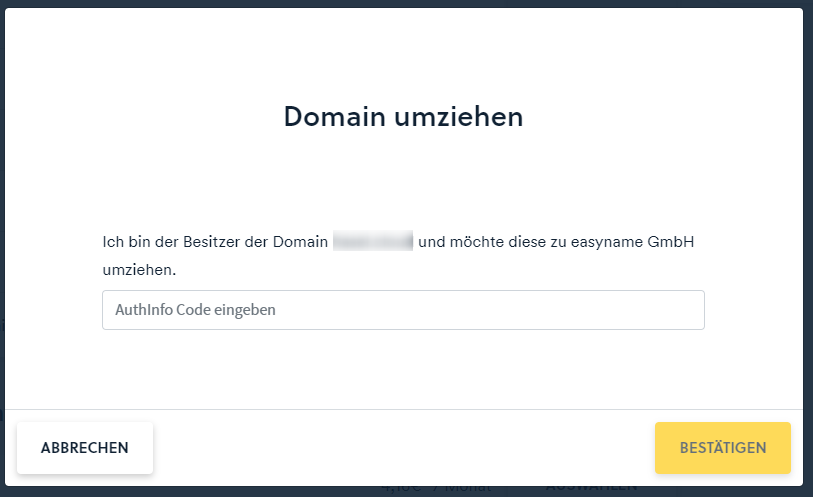
Click Move.
Then enter the Authcode and confirm the transfer.
Transfer domain in CloudPit
Log in to CloudPit.
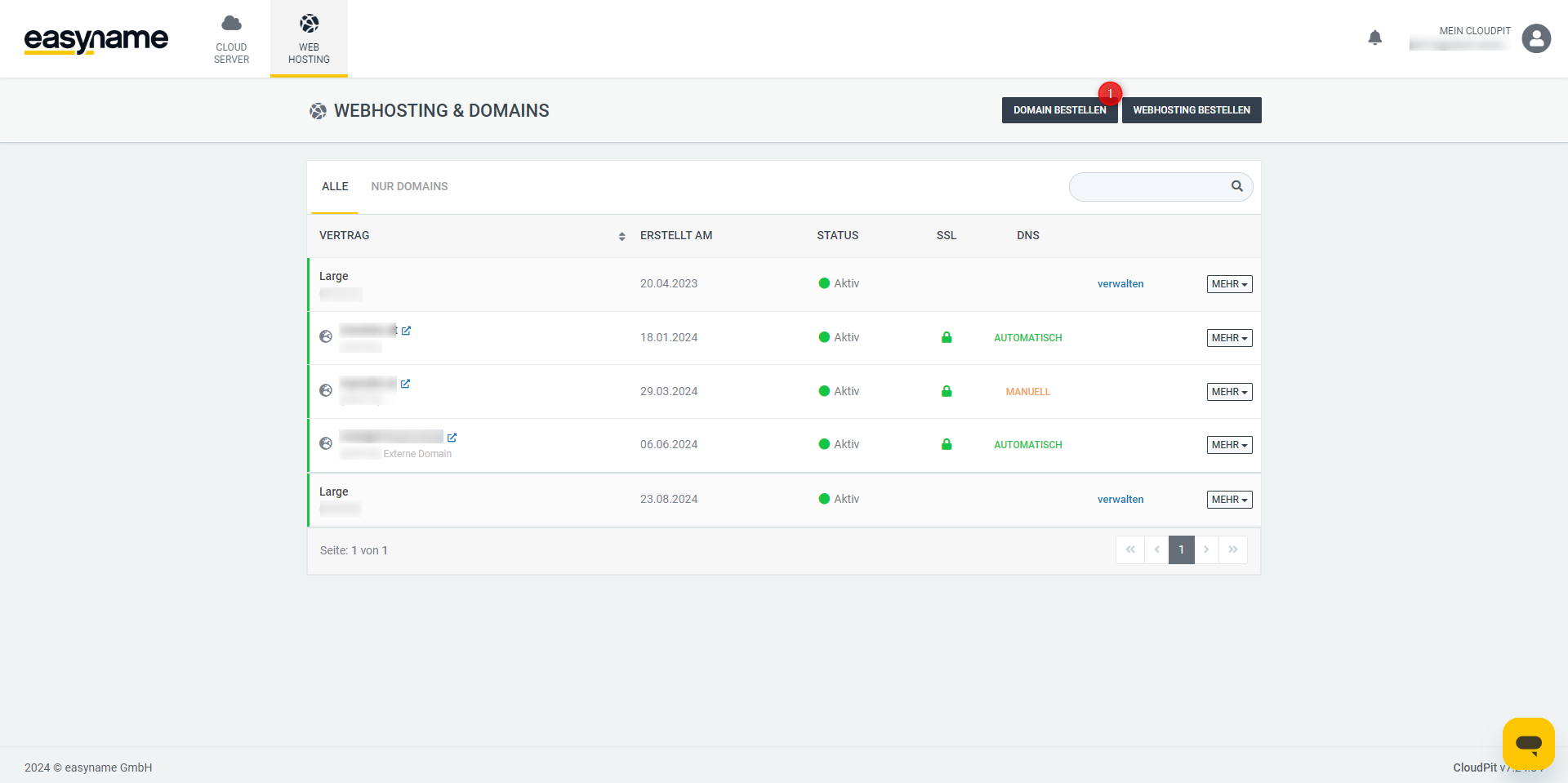
In the overview of your products, click Order domain.
Then choose whether you want to add the domain to an existing contract or just order the domain.
If you assign the domain to existing hosting, it will be directly linked to that web hosting package after the order.
Enter the desired domain name in the search field and click Check domain.
If the domain is already registered, click Move.
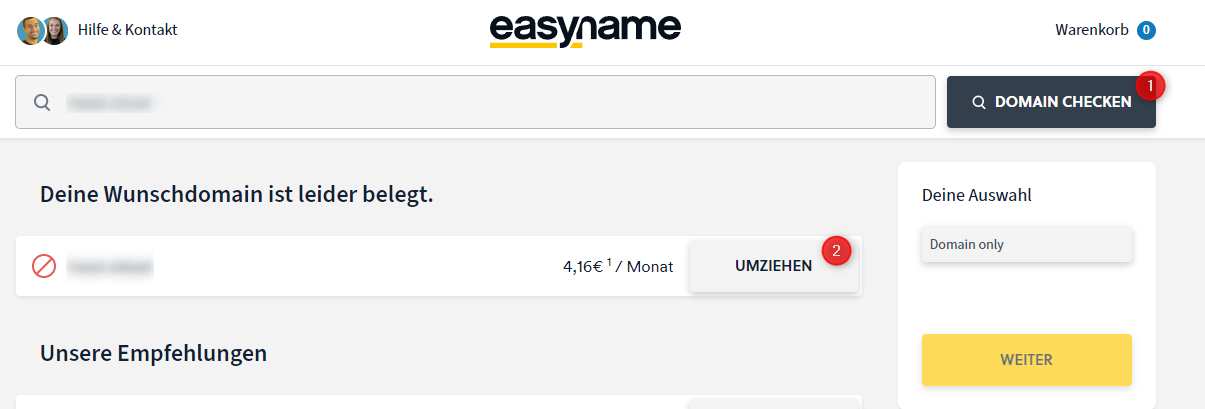
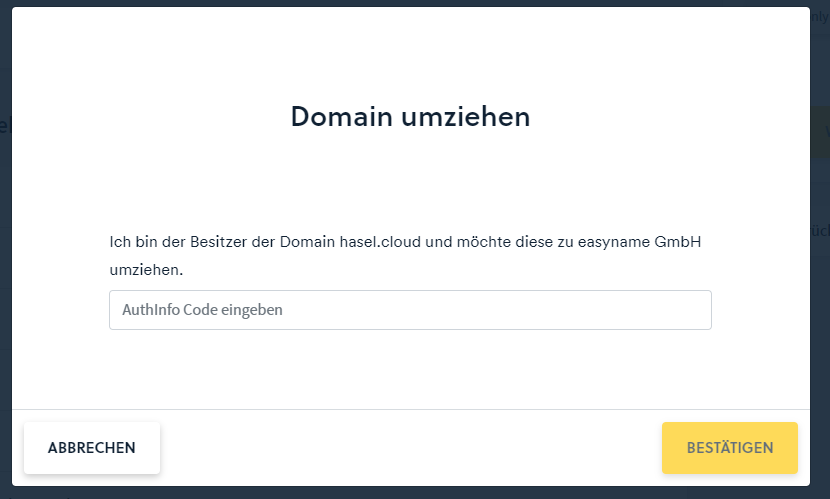
Enter the domain's Authcode and click Confirm.
Transfer domain in the Controlpanel
Log in to the Controlpanel.
Open Domains in the navigation menu.
Click on Transfer domain.
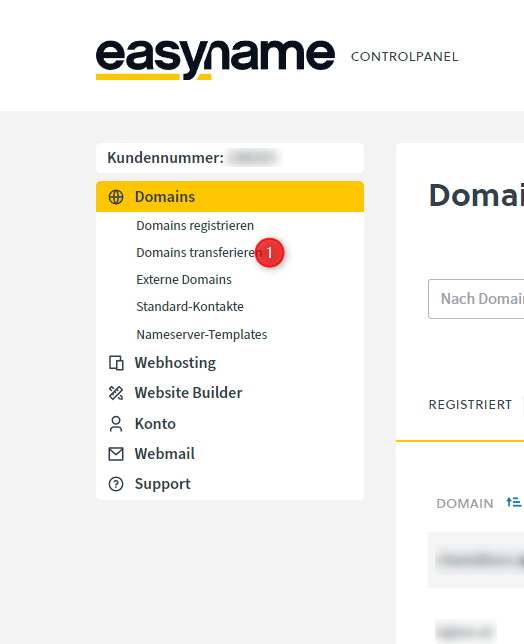
Enter the domain to be transferred and follow the next steps in the order process.
Enter the Authcode when prompted.
After successful confirmation, the domain transfer will be initiated.
Which domain extensions can be transferred?
Not every domain extension can be registered or transferred to easyname. Whether a domain extension is available depends on technical, legal, contractual, or registry requirements.
The Domain and TLD list is always decisive. A domain extension can only be registered or transferred if it is offered there, selectable, and available for the desired operation.
If a domain extension is not offered in the Domain and TLD list, is not selectable there, or is not offered for registration or transfer, registration or transfer of this domain extension via easyname is not possible.