Where can I find my customer number?
Your customer number is especially essential when making inquiries to support, as it helps us find your customer account as quickly as possible. If you are unable to log into your account, you can also find your customer number on the invoices we have issued to you so far, or in the automatically sent emails from us.
Where can I find my customer number in Cloudpit?
To view your customer number in Cloudpit, you must first log in Login | easyname. After you have logged in, click on "My Cloudpit" at the top right.
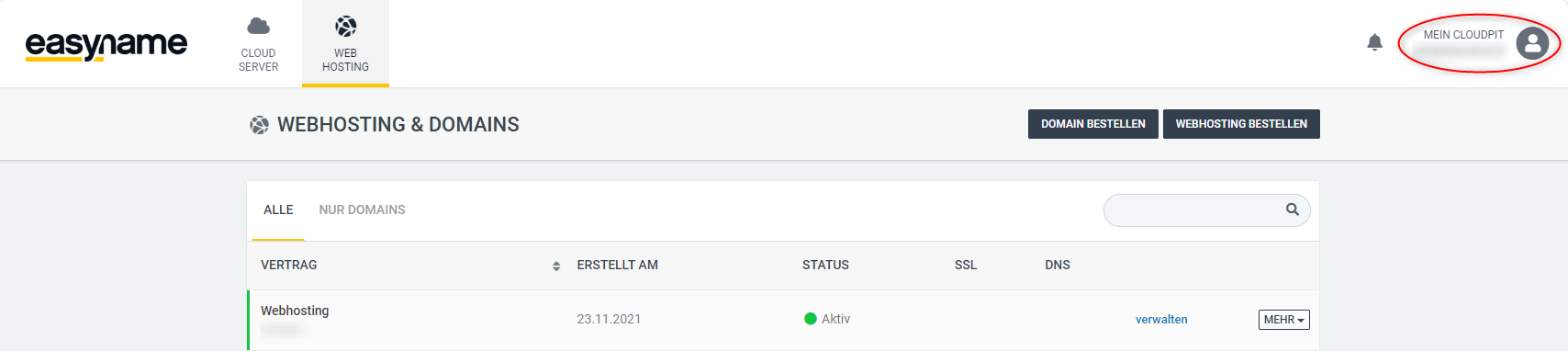
In the overview of your Cloudpit customer account, you will find the customer number listed on the left.

Where can I find my customer number in the Control Panel?
To view your customer number in the Control Panel, you must first log in Login | easyname. After you have logged in, you will see the customer number on the left under the easyname logo.
